How do I factory reset my iPhone or iPad?
A factory reset will completely erase ALL data, including personal files like photos and contacts from your iPhone.
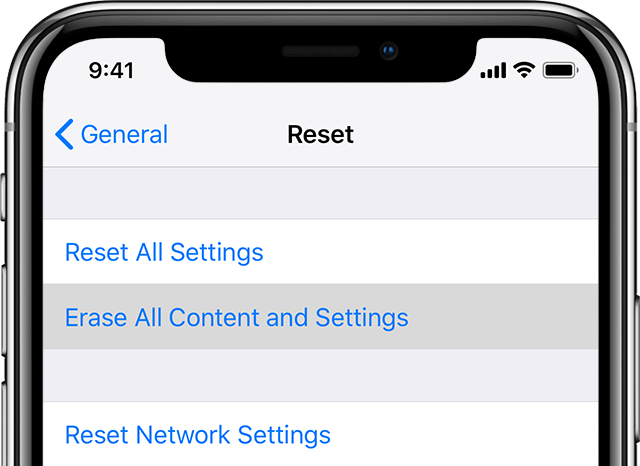
Reset your iPhone or iPad through the Settings menu:
- Tap ‘Settings” and select “General”.
- Scroll down until you find “Reset”.
- Select “Erase all content and settings”.
- Enter your PIN (or screen lock pass code) if prompted.
- Enter your Apple ID password and select “Erase iPhone” twice.
Reset your iPhone or iPad through iTunes:
For step by step instructions, please read our guide on how to restore your iPhone to factory settings using iTunes.
For further assistance, please contact Apple Support.